Xelfcon

List, Manage, Rent & Earn with Xelfcon

One app for landlords, renters, and caretakers. List a home, find a rental, or get paid to help look after a building.

List your property, find a place to rent, or pick up caretaker work. It is all in one app.

Download on the App StoreGet it on Google Play

Features

Phone mockup
Phone mockup

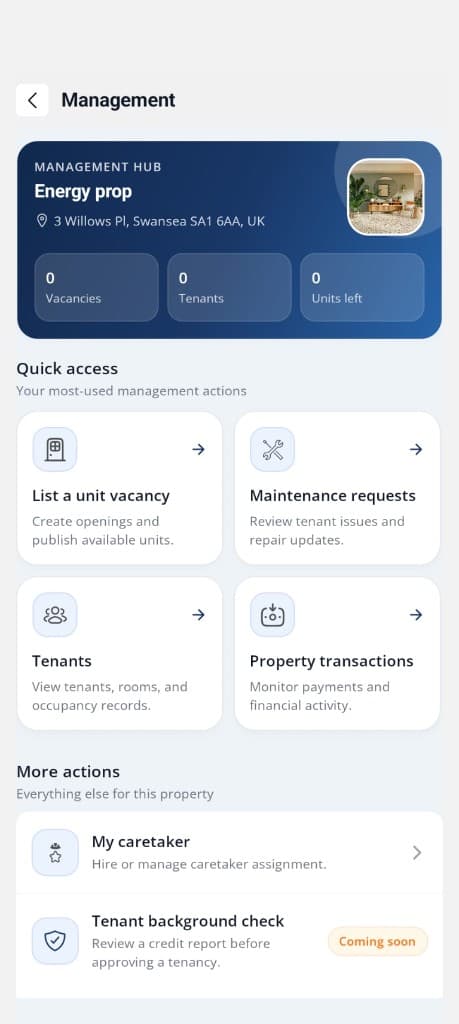
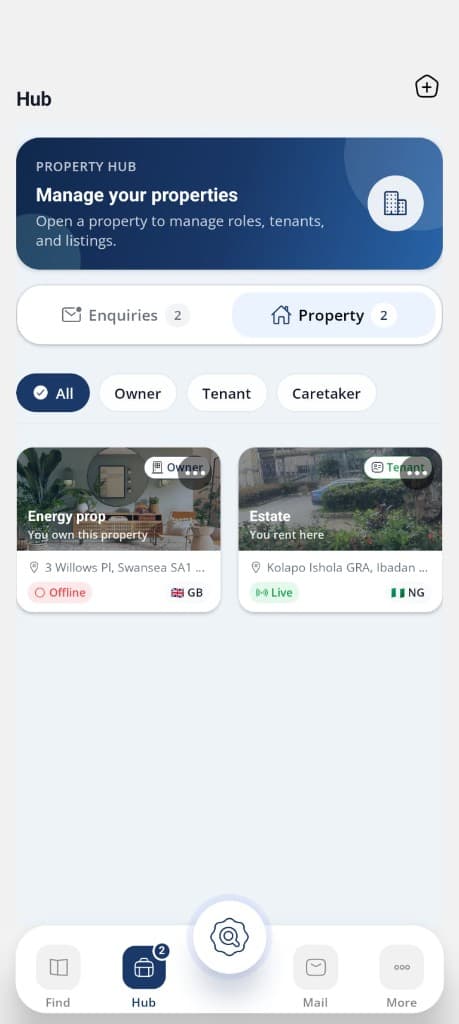
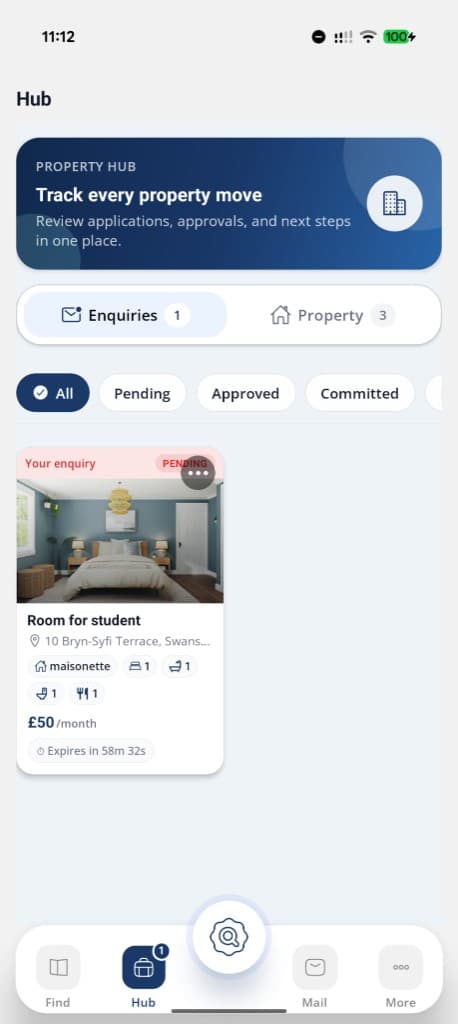
List and manage your property

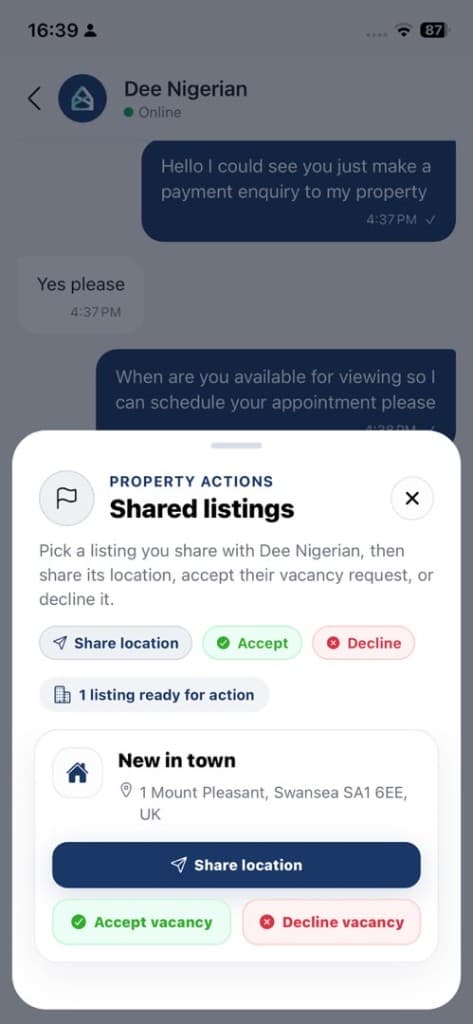
Got a place to rent out? Add your property, list whatever space is free, keep an eye on tenants, and bring in a caretaker if you want help with the day to day. You stay in charge without running around.

Download on the App StoreGet it on Google Play
Phone mockup
Phone mockup

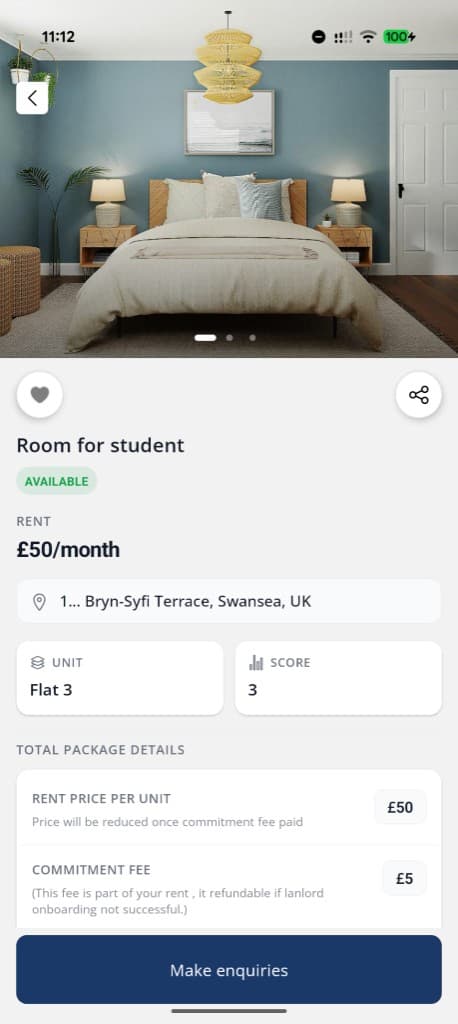
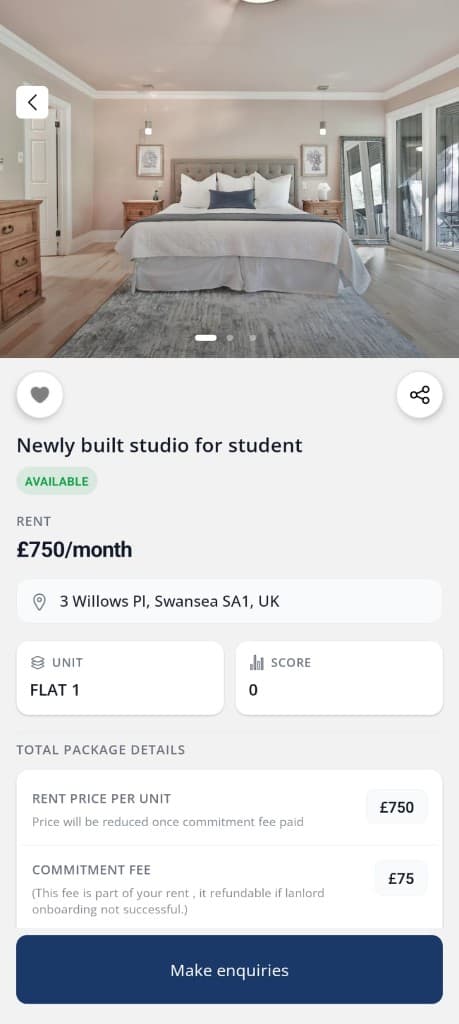
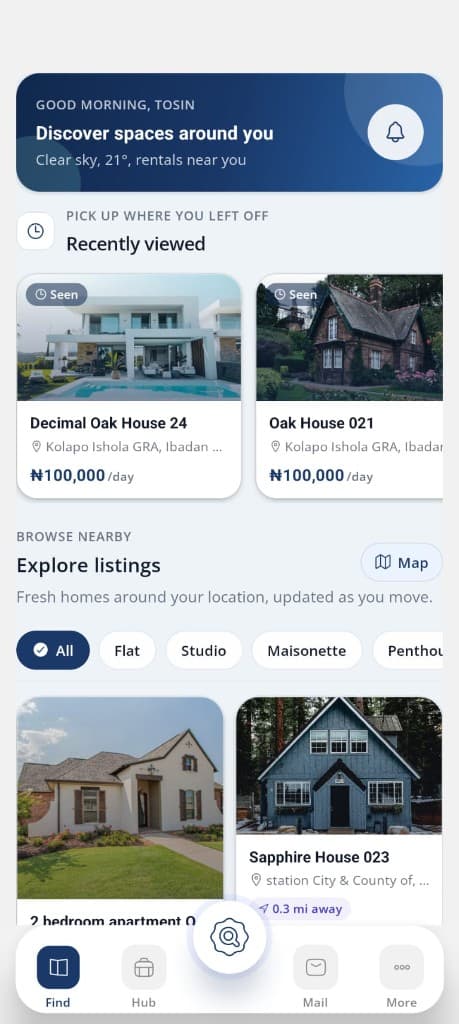
Looking for a place? Start here

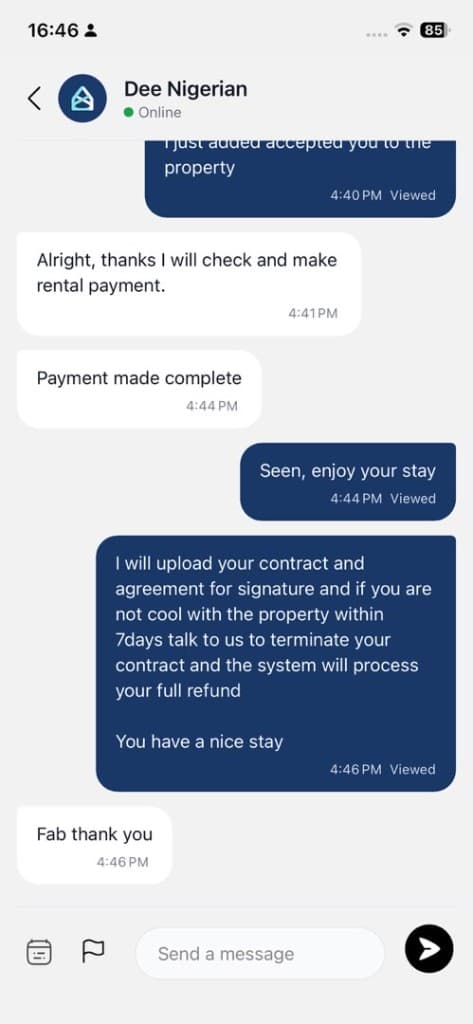
Need somewhere to live? Look through rooms, apartments, condos, and full houses on Xelfcon. Narrow it down by area and price, see what is included, and message the landlord when you find a fit.

Download on the App StoreGet it on Google Play
Phone mockup
Phone mockup

Earn monthly as a caretaker

Caretakers get paid each month to look after a property an owner assigns them. That might mean weekly checks, answering tenant messages, flagging problems, and making sure repairs actually get done.

Download on the App StoreGet it on Google Play

More about Xelfcon

Phone mockup
Phone mockup
Phone mockup
Phone mockup

Everything you need in one place

Owners list spaces, track tenants, and hand off complaints and repairs to a caretaker when they want to. Renters browse rooms, apartments, condos, and houses. Caretakers pick up monthly pay for checks and follow ups on whatever property they are assigned to.

Download on the App StoreGet it on Google Play

Faq

Common questions about listing, renting, managing, or earning on Xelfcon.

Tap Create Account on the welcome screen and sign up with your email and password. We send a 6 digit verification code to your email. Enter it on the OTP screen to verify your account. After verification, complete your profile with your first name, last name, phone number, and country of residence. You can then sign in and start using the app.
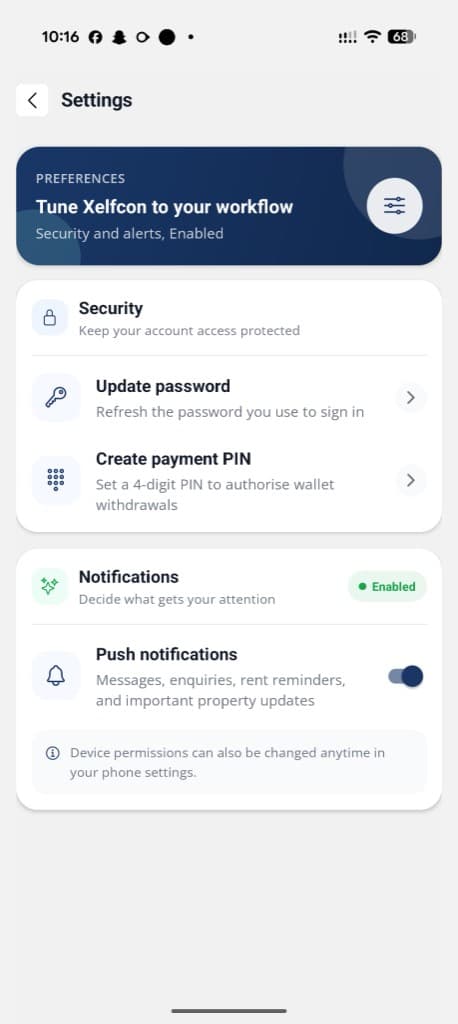
Yes. Xelfcon uses email and password sign in. Enter your credentials on the login screen to access your account. After your first successful login, you may be prompted to enable Face ID or fingerprint login on supported devices for faster access next time.
On the login screen, tap Forgot password? and enter your registered email. We send a reset code to your inbox. Enter the code on the OTP screen, then set a new password. Once updated, sign in with your new password.
If you no longer have access to the email on your account, contact our support team so we can help verify your identity and recover access. Go to More → Support → Contact support, or email support@atobue.com with your full name and a valid means of identification.
A verified user has completed identity checks in the app. This is separate from creating an account or signing in. Go to More → Verification to submit your identification number, a government issued ID (passport, national ID, or driver's license), and a selfie. Once approved, you can create property workspaces and join the caretaker program.
Open More → Verification and follow the steps in order: 1. Save your identification number (based on your country of residence) 2. Choose a document type and upload or scan your ID 3. Take and upload a selfie for facial verification 4. Submit for review You can track pending, approved, or declined status on the same screen. If declined, follow the prompts to upload your documents again.
Identity verification helps keep rentals and payouts trustworthy. You must be verified before you can create a property workspace in Hub. If verification is still under review, workspace creation stays paused until your documents are approved.
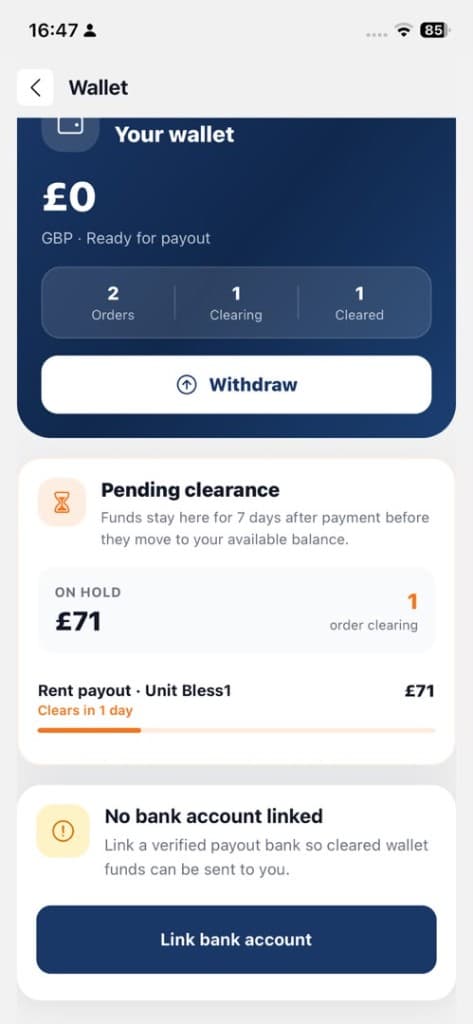
Go to More → Payout bank account. Select your bank, enter your 10 digit account number, and confirm the resolved account name. Your payout bank is used for rental income and caretaker earnings. You can view or update it anytime from the Wallet screen.